From template to finished document in minutes
DocuWeave automates every step of your document workflow. Here's exactly how it works.
Upload Your Template
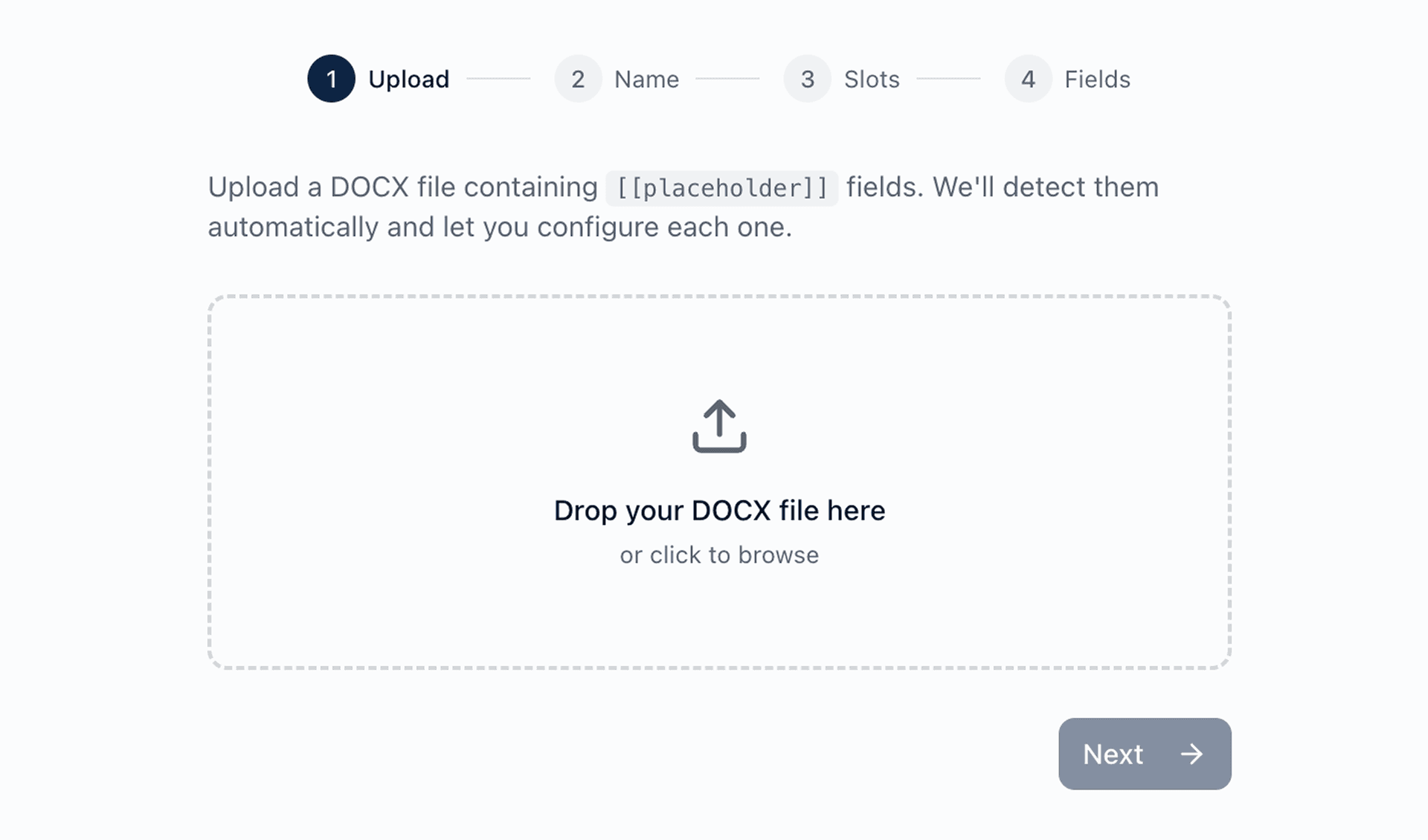
Upload a Word document (.docx) with placeholder fields. DocuWeave automatically detects every field that needs to be filled.
Configure Your Fields
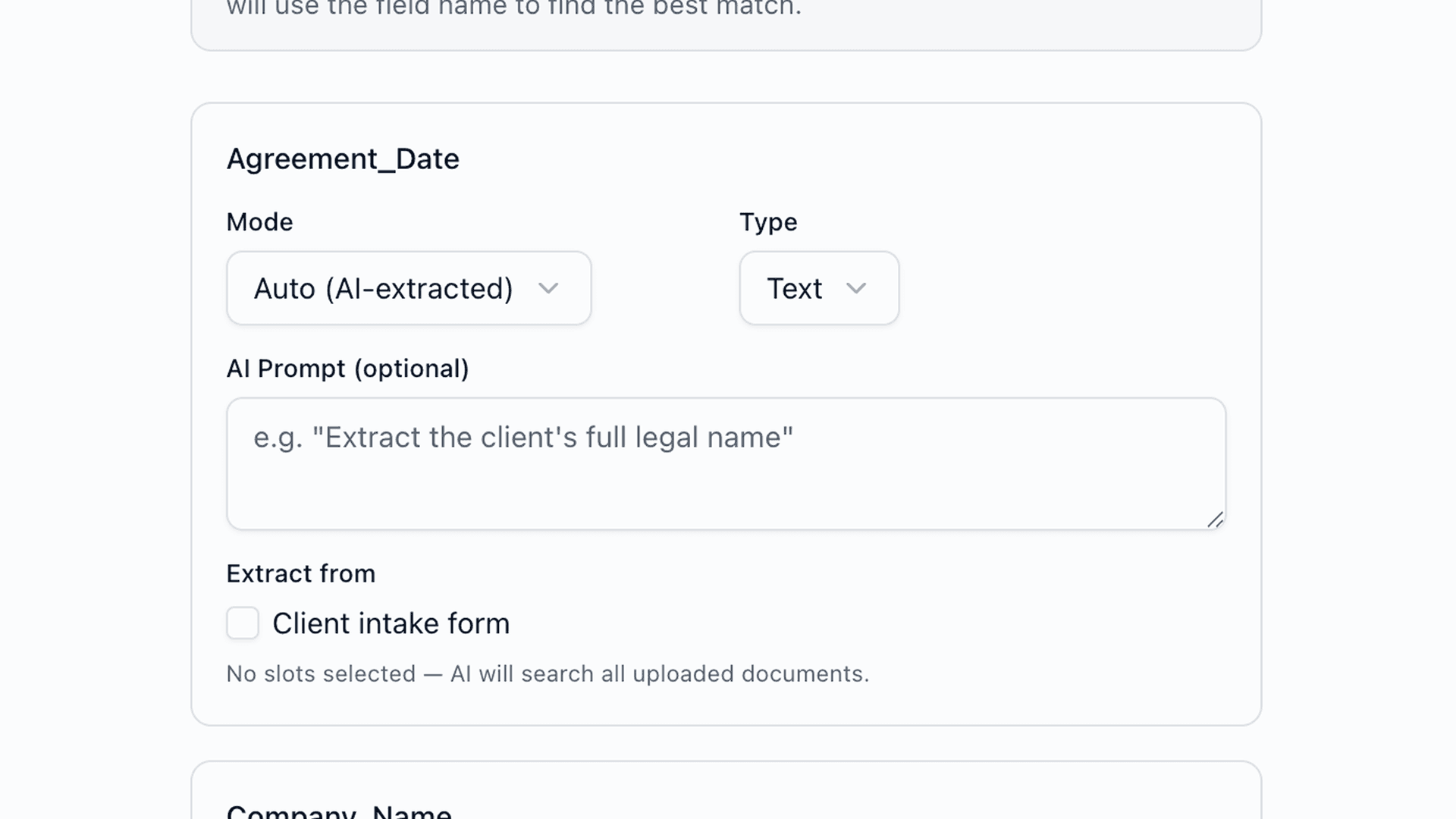
Choose how each placeholder gets filled — let AI extract values automatically from uploaded documents, or mark fields for manual entry.
Upload Source Documents
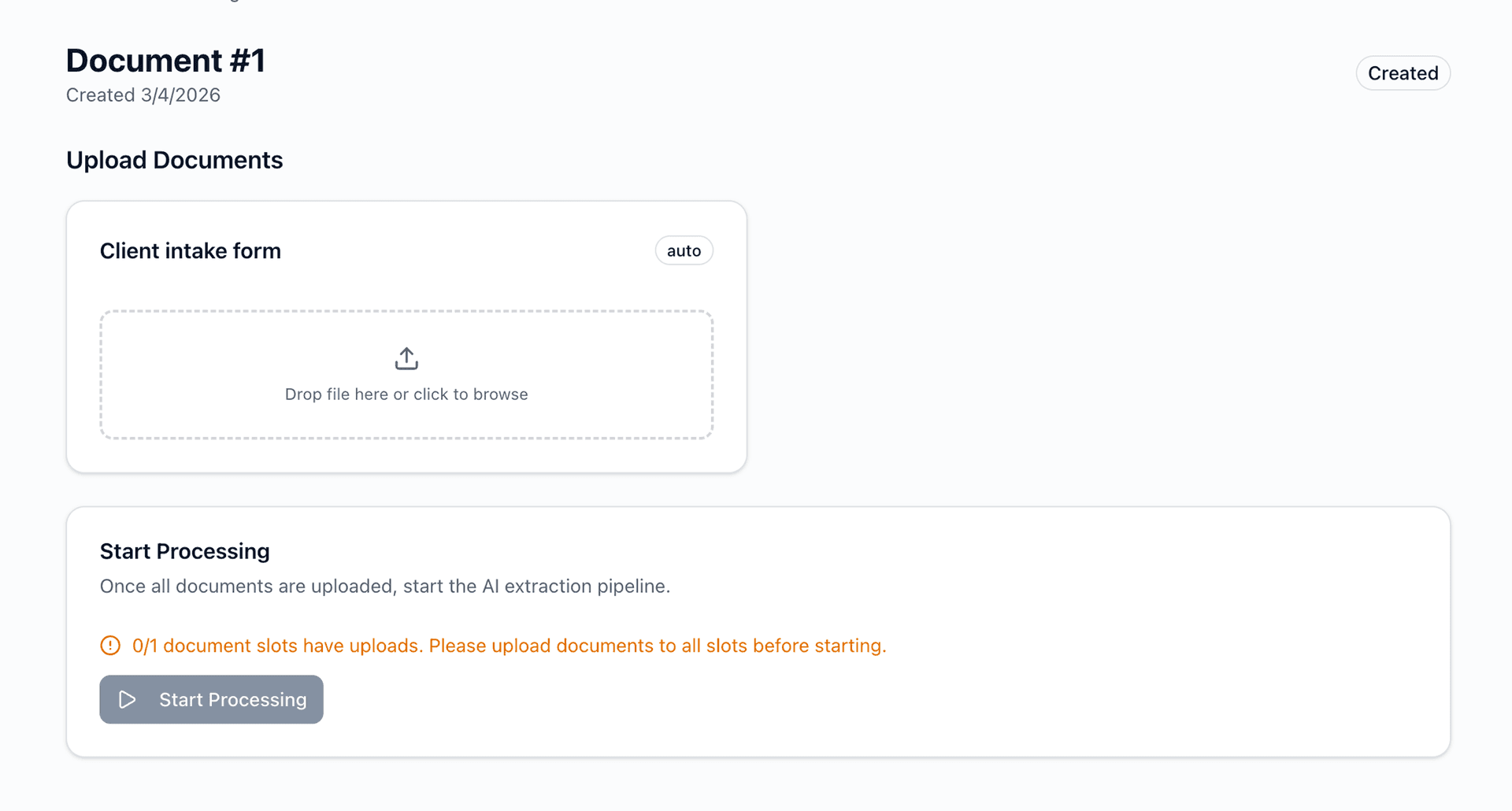
Drop in the documents you want to extract data from — contracts, invoices, reports, scanned PDFs. DocuWeave handles them all.
Review & Generate
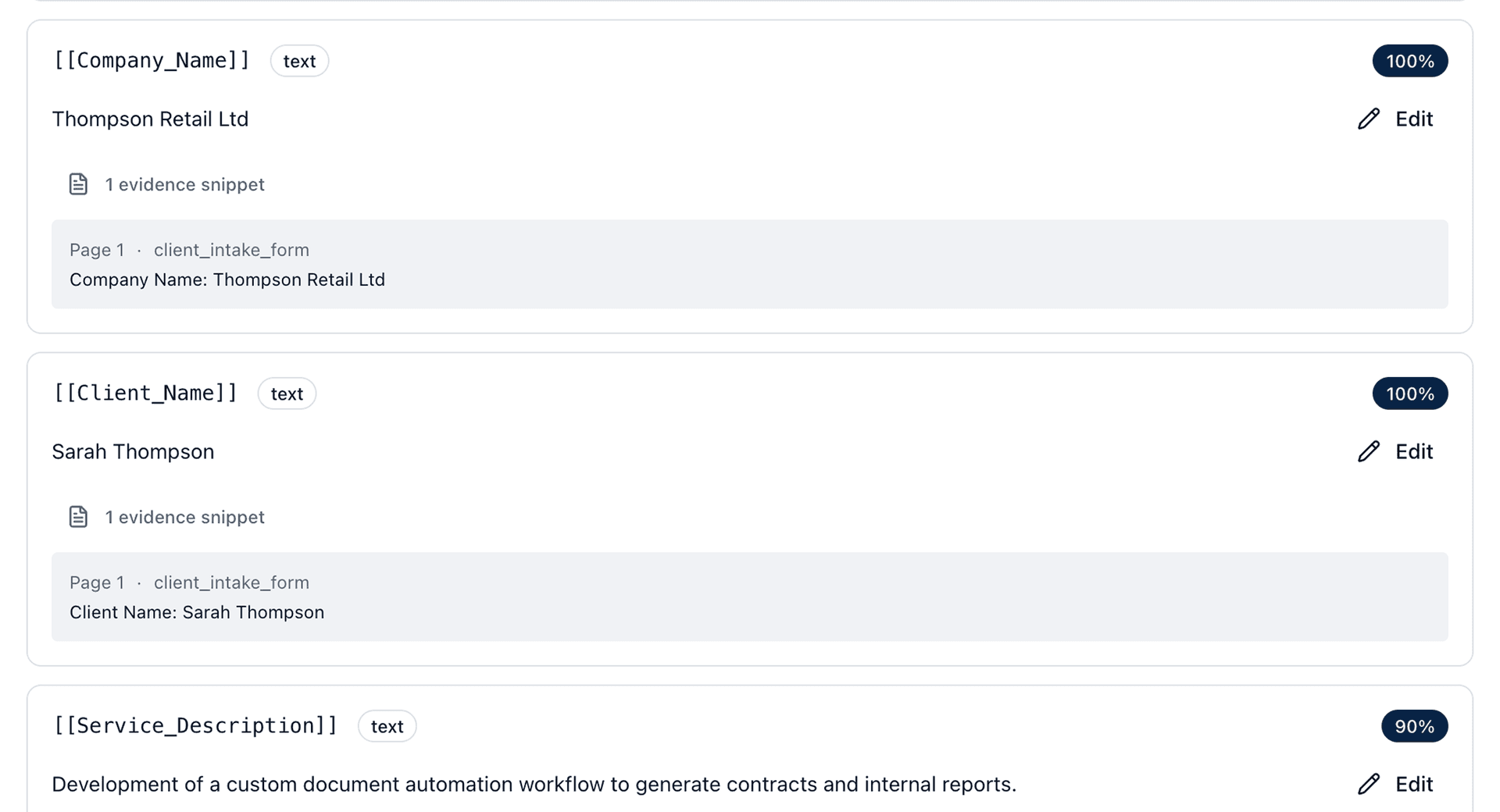
Our AI extracts data from every source document and maps it to your template fields. Review the results, make any corrections, and generate your final documents in one click.
Built for accuracy and security
Every document is processed in an isolated environment. AI extraction is paired with human review to ensure accuracy. Your data is encrypted at rest and in transit, and never used to train models.
Ready to automate your document workflows?
Start for free — no credit card required. See how DocuWeave can save your team hours every week.
Start Free Trial